
About this App
From document management to eSignature — automate your workflows on the go.
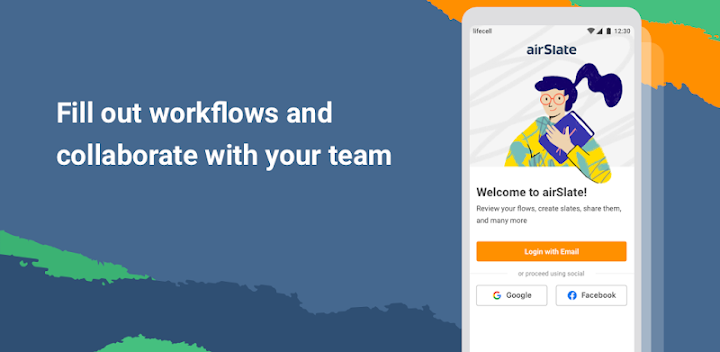
airSlate is a no-code business process automation solution that spans document management, eSignature, contract management, analytics, ebilling, and integration tools so that you can easily build and automate workflows end-to-end within a single platform.
Note: Only users who have already created or joined an airSlate Workspace can use the app.
Check out all the possibilities airSlate’s mobile app has to offer.
• Edit, fill out, and eSign documents from anywhere
Whether you're working on a simple one-page document or covering the entire contract management lifecycle, with the airSlate workflow app, you can edit, sign, and fill out documents from a mobile device.
• Share workflows via a link
Invite anyone to collaborate on a business workflow in a few clicks. Share your contracts via a public link or email them from your mobile device.
• Create workflow copies and send them out in a click
Streamline your business workflow while on the go. Copy workflows and share them with your teammates and colleagues using a mobile device.
• Easily manage workflow access
airSlate workflow tools allow you to easily change access permissions to your flows and documents so you can control what your teammates and other users do within a workflow.
• Boost team productivity
Maintain an uninterrupted workflow from the convenience of your mobile device. Enhance matter management by inviting teammates to collaborate on documents within a single secure hub.
• Invite an unlimited number of teammates
Invite as many teammates as you need to your workspace. Assign roles and grant access permissions to the workflow for improved collaboration and knowledge management.
• Track every workflow action in the Audit trail
Ensure data security by tracking all workflow changes made by admins, team members, and business partners in real time using the detailed Audit trail.
• Get help from online support
Using the airSlate mobile app, you have the option to submit a support request whenever you’re experiencing an issue and get it resolved in a timely manner.
• Use deep linking to quickly fill out documents
Quickly fill out or sign a document and respond to any changes in a workflow or a workspace straight from an email by tapping the embedded link.
• Get push notifications
Never miss documents or critical workflow changes with automated push notifications. Go from notification to action in a single click using your mobile device.
• Log in with biometrics
Streamline your workflows while maintaining data privacy and compliance. Securely log in to your airSlate account with biometric credentials.
• Send documents via phone
Share your documents and workflow via phone. Simply select a recipient's phone number from your address book or enter it manually.
• Start by digitizing simple document management workflows before switching to complex process automation. Accelerate digital transformation for your entire company with an all-in-one business process automation platform. From document management to eSignature workflows — all from the convenience of your mobile device.