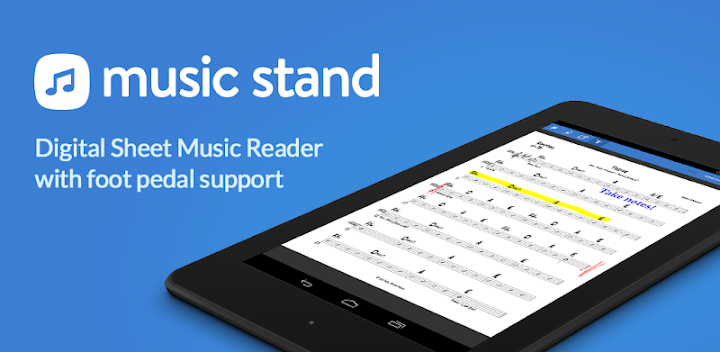
Featured Banner
Icon

Planning Center Music Stand

© Planning Center

4.2 271095

Source: Google Play Store

Category: Music and Audio

Price: Free

Content Rating: for everyone

Requires: Android 5.0+

Released on: 2012-12-05

This App is not yet included in [apkz.com]. You can click the button below to request.

(The more people request, the faster it may be included)

☑ We will notify you as soon as the App is available. If you can't receive notifications, please check back often.

About this App

Your sheet music in one place
You must already have an account with Planning Center Services to use this app. To sign up for an account subscription, have your organization's administrator go to https://planningcenter.com

===== Planning Center Music Stand: ======

Planning Center Music Stand is a digital music reader that connects to your Planning Center Services account to let you flip through pages with your finger or a wireless foot pedal. Features include:

1.) Login to your Planning Center account and view any plans
2.) Choose which PDF to display for each item
3.) Hands free page turns using any Bluetooth foot pedal
4.) Use annotation tools (highlighter, pen, text) to take notes which are stored online
5.) View other people's annotations or merge them with your own
6.) Listen to audio files attached to any song in the selected plan
7.) Rearrange the pages for any PDF
8.) Zoom to Crop all pages in a PDF
9.) View 2 pages side-by-side in landscape
10.) Join sessions to have your page turns synced with another device
11.) Your last 10 plans are available even when you are offline

NOTE: This application is an add-on to Services, which must be enabled in the subscription settings.
Screenshots

I'm not a robot

In order to block spam bots, we push you a notification with the following code. Please click on the notification to complete the verification.


Notifications may be slightly delayed, please wait a moment.

Or if your device is unable to receive notifications, you can also send us an email.

Tips:

Please allow [apkz.com] to show notifications. We will notify you as soon as the App is ready.

Um, Seems that the notification is not available.
Would you like to send requests and receive updates via email?

Tips:

After the download is successful, please use [APKZ App] to install it.


Unable to determine whether the file was saved successfully, please confirm it yourself before installing.

Tips:

Your browser is out of date and some features may not work properly, please change or upgrade your browser.


For a better user experience, it is recommended to use Google Chrome or Edge.

Tips:

If the download cannot be completed, please open this page in your browser.


For a better user experience, it is recommended to use Google Chrome or Edge.

Tips:

This App can only be installed on Android devices.