
You might like:


About this App
Smart All Document Reader – Open & View PDF, DOCX, XLSX, PPTX & TXT Files Easily
📚 All Document Reader & Viewer – Read, View & Manage All Files
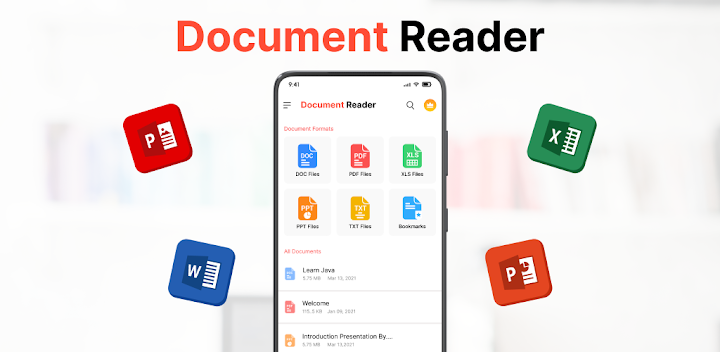
Looking for a powerful document reader and file viewer? 📂 All Document Reader & Viewer is an all-in-one document opener that lets you open, read, view, and manage PDF, Word (DOC, DOCX), Excel (XLS, XLSX), PowerPoint (PPT, PPTX), and TXT files effortlessly. This document viewer is a must-have tool for students, professionals, and office users to read and manage all types of documents offline.
With this document reader app, you can open PDFs, read Word documents, view Excel spreadsheets, and check PPT slideshows without the need for multiple apps. Whether you need a PDF reader, DOC viewer, XLS opener, PPT reader, or a text file viewer, this app provides a smooth and fast file reading experience on your phone.
🔹 Key Features – All Document Reader & Viewer
📖 PDF Reader & Viewer
✔ Open, read, and view PDF files quickly.
✔ Fast PDF reader with smooth scrolling & zoom.
✔ Search PDF documents by keywords.
✔ Bookmark PDF pages for quick access.
✔ Dark mode PDF reader for comfortable reading at night.
✔ Share, print, and manage PDFs easily.
📝 Word Document Reader (DOC & DOCX Viewer)
✔ View and read DOC & DOCX files on mobile.
✔ Fast Word document reader with an easy interface.
✔ Open, search, and manage DOCX files offline.
✔ Read office documents, eBooks, and reports smoothly.
📊 Excel Viewer (XLS & XLSX Reader)
✔ Open and view Excel spreadsheets (XLS, XLSX) easily.
✔ Fast Excel file reader for office and data management.
✔ Supports all Excel sheets, reports, and tables.
✔ Dark mode for Excel viewer to reduce eye strain.
📂 PowerPoint & TXT File Viewer
✔ View PowerPoint presentations (PPT, PPTX) with slides.
✔ Read TXT files, notes, and scripts effortlessly.
✔ Fast and lightweight PPT file opener.
📌 Why Use All Document Reader & Viewer?
✔ All-in-one document reader – Open PDF, Word, Excel, PowerPoint, TXT files.
✔ Fast PDF reader & DOC viewer for smooth file access.
✔ Read documents offline without an internet connection.
✔ Dark mode document reader for a better reading experience.
✔ Bookmark, search & manage documents easily.
✔ Lightweight document viewer with a user-friendly interface.
✔ Organize and access documents in one place.
✔ Share, rename, delete, or print documents directly.
📂 How to Use All Document Reader & Viewer?
📥 Download & install the document reader.
📂 Open & view any document format (PDF, DOC, XLS, PPT, TXT).
🔍 Search, sort & manage all your files.
🔖 Bookmark important pages for quick access.
🌑 Enable dark mode for a comfortable reading experience.
📥 Download All Document Reader & Viewer NOW! 🚀
Experience a powerful file reader, document opener, and PDF viewer in one app! Whether you need a PDF reader, Word document viewer, Excel sheet opener, PPT slideshow viewer, or TXT file reader, this app provides seamless document management for all your needs.