
You might like:


About this App
Make email easy with swipe inbox access, home screen widget, and quick replies
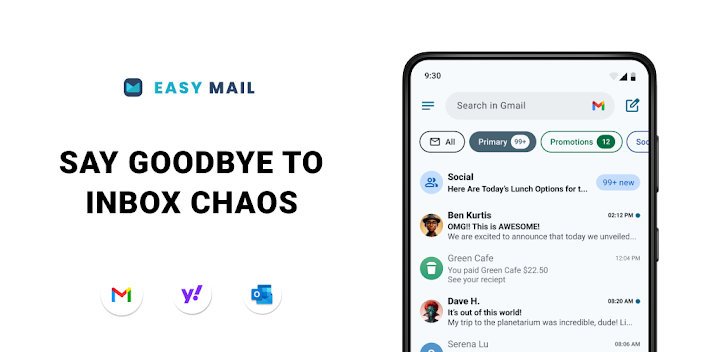
No more FOMO! See your emails instantly on your homescreen. With Easy Mail, your email becomes simple, focused, and easy every single day. The average person spends over 2 hours managing their mail—why not make it easy with the launcher designed for productivity?
Easy Mail – Email Launcher is the easy way to handle email, reduce screen time, and enjoy a clutter-free homescreen.
✨ FEATURES FOR EMAIL
◾Easy Homescreen: A clean homescreen built around mail and productivity. No clutter—just the easy way to manage email.
◾Unlimited Email Accounts: Add Gmail, Outlook, Yahoo, Hotmail, AOL—or any other mail provider. Check all of your email in one easy unified inbox or separate them with a tap.
◾AI Email Assistance: Writing email is now easy. Rephrase, shorten, or polish your mail instantly while keeping your natural tone.
◾Easy Web Search: Search from your homescreen while checking email. Autocomplete and trending suggestions make answers easy to find.
◾Privacy First: Your email stays yours. We never read your mail—everything is safe and local.
◾Launcher Essentials: An organized homescreen, quick email inbox, app drawer, widget support, and trending content. Everything you need for easy mail management.
◾Easy Web Search: Search from your homescreen while checking email, powered by Yahoo Search.
📌 HOW EASY MAIL WORKS
1. Inbox: Swipe right from your homescreen to open your email inbox. Add unlimited accounts and view them in one easy feed.
2. Apps Drawer: Swipe up for your apps. Drag favorites back to your homescreen for easy access.
3. Content Feed: Pull down on your homescreen for news and entertainment alongside your email. An easy way to stay updated.
Our FAQ inside Easy Mail includes video tutorials and answers to common questions—making email even more easy.
❤️ Thanks for reading this far. You’re one of the few who do! We hope Easy Mail makes your email, your mail, and your homescreen truly easy to manage.
👉 Learn more in our FAQ: https://www.applabstudiosllc.com/faq


