
You might like:


About this App
Universal Tv Remote Control for all Tv. Cast for chromecast & all Tv Controller
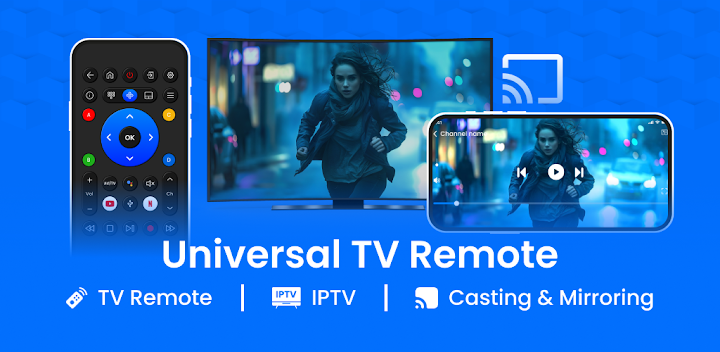
Universal TV Remote Controller: You can now use your phone to control any television!
With Universal TV Remote Controller, your phone transforms into a powerful TV Remote Universal Controller. It does not matter if you are watching a movie, scrolling through channels, or streaming your screen. This one solution turns your Android Phone into the best television partner. The Universal Remote Control For TV works with almost every brand of television, giving you smart experience at the tip of your finger.
📄Highlighted Functionalities of the TV Remote Universal Controller:📄
📓 Supports All television Brands - It is compatible with the most common brands;
📓 Effortless Setup - Pairs with your television in a few simple steps;
📓 Voice Command Feature - Command the television's essential functions;
📓 Cast To TV – Instantly cast the screen of your mobile device to your television;
📓 Change Preferences For Your Remote - Set your remote to your liking;
📓 Infrared And Wi-Fi – Connect using an IR blaster or wirelessly;
📓 Easy Source, Volume And Channel Changes;
📓 Gesture Navigation - Tap and swipe features for easier and faster controls;
📓 Mobile Control Of Television - Your phone doubles as a remote at any given time;
📓 TV Controller: Smart Remote App - Single app to control multiple television's;
📓 Optimized For Android Devices - Perfectly designed to Control TV With Phone.Control Your TV With The Use of an Android TV Remote App From Everywhere!
The Android TV Remote App is the best solution for people who want full control of their Android TV throughout the house. Remove the hassle of carrying multiple remotes and enjoy one essential remote that does it all.
Your Android device transforms into your personal controller with the Universal Remote Control for TV.
Seamless Screen Mirroring: Cast To TV Experience:📲
You can easily display any content on your mobile device on the television using Screen Mirroring: Cast To TV. Stream videos, view pictures and open applications all without using any wires. This Android Remote TV option makes everything better.
All Smart TV Controls At Your Hands:🔧
Take advantage of the TV Controller: Smart Remote App, designed to work with multiple devices and smart integrations to control the volume on your sound system or switch inputs this Android Remote TV solution does it all. Control TV With Phone simplifies everything for you.
One App. One Solution. All Control: 🔄
The Universal TV Remote Controller is equipped with everything and anything you could want from regular channel surfing to master screen mirroring. Whether you’re in the market for an Android TV Remote App or a versatile TV remote universal controller, this app is designed for ease and dependability.The Ultimate Universal Remote Control for TV!
Experience seamless entertainment, powerful mirroring, and easy navigation—all in one Android Remote TV solution. Try the Screen Mirroring: Cast To TV feature, explore the smart customization, and Control TV With Phone whenever you like! All you need is the TV Controller: Smart Remote App. The app turns your phone into the ultimate control center for all your devices. Take control today, and don't miss another show!


