
You might like:


About this App
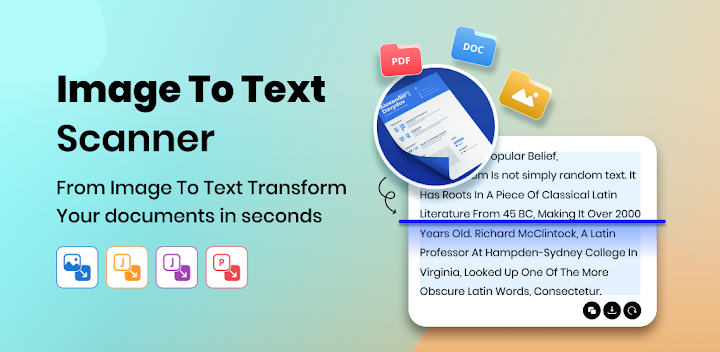
Use our smart OCR text scanner app to promptly convert images to text.
Use our smart OCR text scanner app to promptly convert images to text, JPG to Word, JPG to PDF, and PDF to Word.
Our image to text converter app is designed to scan and extract text from Images, JPGs, Screenshots, and Documents. This image scanner is based on sophisticated OCR technology to accurately recognize text from images and convert it into editable form, without disturbing the original layout.
Plus, our image to text scanner app offers the below listed multiple other conversion options;
JPG to Word Converter: It can help users convert JPG to Word files.
JPG to PDF Converter: This tool works to automatically convert PNG, JPEG, and JPG to PDF documents.
PDF to Word Converter: It allows users to effortlessly convert PDF to Word files.
All in all this image scanner app is a helpful solution for students, journalists, employees, and businessmen to digitize notes, documents, receipts, and other important materials.
How to Use the Image to Text Scanner App?
Follow the below listed easier steps to use our OCR-powered picture scanner app:
● Download & Install the Image to Text Scanner app.
● There you’ll have four different converters, i.e., Image to Text, JPG to Word, PDF to Word, and JPG to PDF.
Image to Text Converter:
1. Capture one or more photos directly using the device Camera or upload it from Gallery.
2. Click the “Convert” button to initiate the text scanner.
3. Our picture to text converter will immediately scan text from images, and provide editable text.
4. Then, you can Copy or Save the result.
Similarly, you can use other tools of the OCR text scanner app, such as JPG to Word, JPG to PDF, and PDF to Word converters.
Image to Text Scanner App Key Features
Advanced OCR Technology:
Our free text scanner app is supported by cutting-edge OCR technology to accurately scan text (whether printed or handwritten).
Simple UI:
We designed the picture to text converter app with an easier-to-use interface. You just need a few steps to convert images to text, JPG to Word, JPG to PDF, and PDF to Word.
Fast Conversion:
It efficiently extracts text from every type of image, scanned document, and screenshot in seconds.
Multiple Language Support:
Another unique feature of this picture scanner is the support for multiple languages. It allows users to extract text from images in a wide variety of languages.
Converts Different Files:
Besides image to text conversion, you can do different file conversions with this app, including Image to Word, JPG to PDF, and PDF to Word.
Batch Conversion:
The image to text converter supports batch conversion, allowing users to convert multiple images into text with a single click. This feature makes our app a productive solution.
Why Choose the Image to Text Scanner?
★ It can scan plain text, symbols, and mathematical terms.
★ Our OCR picture scanner stores usage History.
★ It allows users to scan text from physical images/photos by mobile phone’s Camera.
★ All the conversions done by our picture scanner are Copyable and Downloadable.
★ Our image to text scanner app maintains original content layout.
★ It can serve you as an all-in-one file conversion solution.
The image and text scanner app is developed to streamline and simplify different file conversion tasks. Now, download this versatile image scanner and experience the future of OCR technology.


