
You might like:
![[SSP] Simple Black Watch Face 's icon](https://img.apkz.com/gpi/XSCzHtp8PUDcJ-yfEOF0Uw3EDJCbSd43oSNvDCnDPmewdvZoe3LL28NlhKRwgYpyj7fF?w=96)


About this App
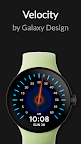
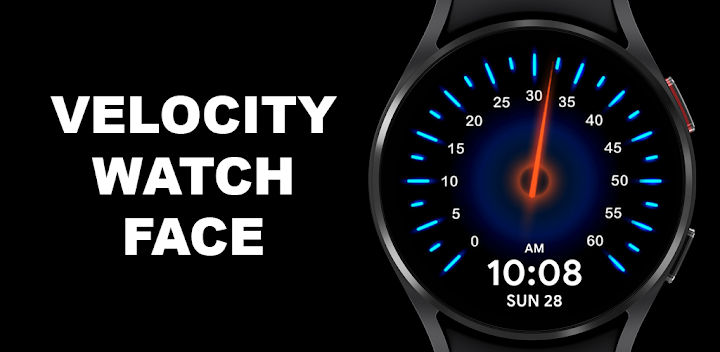
Tachometer inspired Wear OS watch face with neon accents and AOD.
Velocity Watch Face by Galaxy Design
Sleek. Dynamic. Built for Performance.
Transform your smartwatch with Velocity — a tachometer-inspired watch face that blends futuristic style with real-time functionality. Designed for Wear OS, Velocity delivers bold visuals, smooth performance, and unmatched clarity.
✨ Key Features
- Dynamic Design – Tachometer-style dashboard with a high-performance aesthetic
- Glowing Elements – Neon accents & glowing central hub for maximum visibility
- Real-Time Updates – Precise time & date display integrated into the interface
- 20 Color Options – Personalize the watch face to match your mood or style
- Always-On Display (AOD) – Essential info stays visible while conserving power
- Battery Efficient – Optimized for up to 30% less battery drain than standard animated faces
🚀 Why Choose Velocity?
- Stylish & Functional – Perfect for both professional and casual wear
- High Visibility – Bright neon accents keep the face clear even in low light
- Seamless Experience – Optimized for smooth, responsive Wear OS performance
📱 Compatibility
✔ Works with all Wear OS 3.0+ smartwatches
✔ Optimized for Galaxy Watch 4, 5, 6, 7 series
✖ Not compatible with Tizen-based Galaxy Watches (pre-2021)
Velocity Watch Face — bring speed, clarity, and futuristic design to your wrist.