
You might like:


About this App
File Explorer to manage files easily, powerful file manager and file organizer
File Manager is designed to make file managing and file exploring fast and easy. This file manager can easily manage your documents, pictures, videos, audios, installation packages, etc. Also free to search, browser, share and move your files in both internal storage and SD card.
File Manager reads and displays multiple files in all formats. Image, video, audio, document, APK and archive are well recognized and categorized. Aim to be more comprehensive, more professional and more practical.
📂 Important functions:
Show specific & total occupied memory
System classification of contents
Application management
Transfer files
Filing files
Display file specific information
Recycle bin, retrieves deleted items
Zipped file extractor, unzip zipped files and read zipped files
📂 Main features in file manager app:
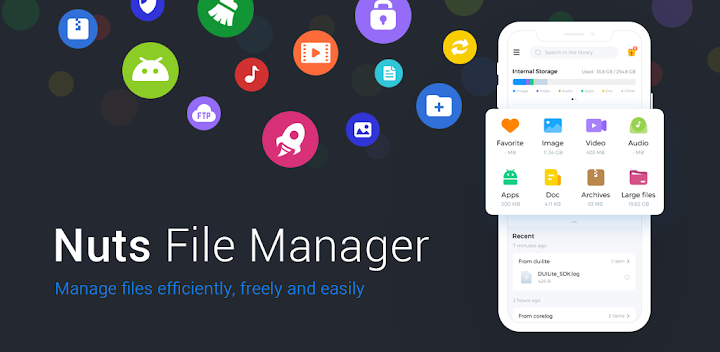
Categories: file types are categorized and clearly show you the memory usage of each file type; display files in internal storage and SD card separately
Search and recent: enter keywords to look for files faster with the search bar; the Recent session shows the recently added or recently opened files
Recycle bin: recover the deleted files
FTP: enable FTP file transfer, copy the URL to your computer to manage and share between computer
App manager: sort app by usage frequency, installation time, add to Favorite, uninstall and view information about the apps
More other detailed operations supported: copy, move, share, rename, change the view mode
To manage your files systematically and conveniently, you must have this file expert storage manager File Manager. The powerful functions guarantee your managing files efficiently and effectively. Come download this file manager expert and let its powerful functions serve you!


