
You might like:


About this App
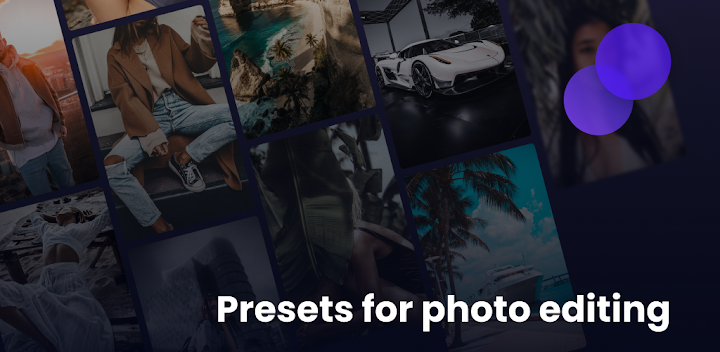
Presets for Lightroom and photo filters to quickly edit photos and pictures
Lightroom Presets is a set of ready-made premium filters for the Lightroom photo editor. Professional Preset for Lightroom filters for easy photo editing.
Everyone wants high-quality, beautiful, memorable, and original photos on social media and other websites. With the LR Editor app, you can give your photos a new life. LR Editing Photo are ready-made professional preset filters for Lightroom to help you achieve your photography goals. You can prepare professional-looking posts for social media right on your phone because Preset Editor makes your photos look even better.
Filters and Lightroom Presets help to:
- Edit photos using professional presets
- Create beautiful feeds and photos for social media
- Use over 100 premium presets
- Create a selection of filters to add to your Favorites
- Make photos pop with more detail using different filters.
All filters are divided into categories to make the LR Editor app easy to use. Save the filters you like to your Favorites, so you can make using the LR Editing Photo app even more convenient in the future. Make your photos stand out with Preset for Lightroom filters and enjoy the results.
Save time. The LR Editor app will help you save time on processing photos. Preset Editor filters are extremely easy to use. Choose the filter that suits your creative work and apply it. Preset Editor filters are sorted into categories, so you can easily find Lightroom presets under specific headings like Travel, Fashion, Summer, and more.
How to use Lightroom Presets:
1. Open the Presets app;
2. Select the desired photo filter;
3. Click on: use preset;
4. Open lightroom app;
5. Copy the settings from the downloaded preset;
6. Paste the settings onto your photo.
Lightroom Presets provides high-quality photo editing filters to make your photos look richer and even better with a stylish and original look. Use LR Editing Photo to make your photos unique and memorable.
Create amazing photos and edit them on your mobile phone with Preset for Lightroom. Impress your friends and followers. Start standing out from the crowd with your unique photo editing style.
Support:
Send us your suggestions, requests or questions. Your emails are always welcome.
Email: presets@artpoldev.com
Thank you for choosing LR Editor!


