
You might like:


About this App
Secure & Fast Remote Control App for Remote Work, Learning and Gaming.
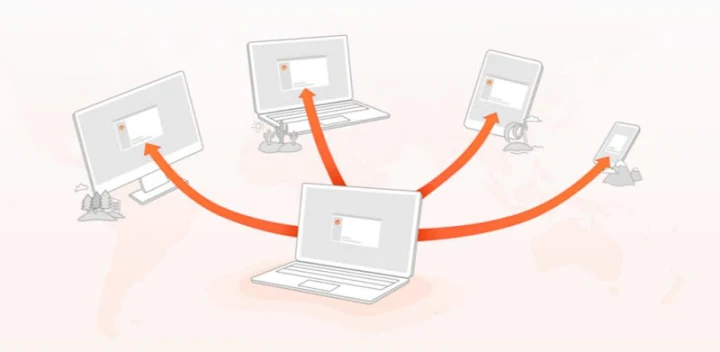
AweSun Remote Desktop allows you to remote access computers or Android devices from your PC or mobile phones. Our mission is to bridge distances with unmatched speed, platform independence, and professional-grade encryption.
AweSun is a free all-in-one remote software and provides easy, fast and secure remote solutions which is already used on more than 200 million devices worldwide.
With AweSun, you will get a virtual desktop on your phone that you can connect to PC anywhere you want.
You can use AweSun to:
-Remote Game: Enjoy PC games on a mobile device/other PC.
-Remote Work: Work from home and create your online teamwork office.
-Remote access: Remotely unattended access with one-click.
-Remote Android device: Control Android mobile device while you are on the road.
-Remote on/off :Turn on/off the computer with Smart Power Plug remotely.
---------------------FEATURES---------------------
1. Free to install and use for personal and commercial use.
2. Streams audio and supports functional copy-paste to quick assist to Windows.
3. Support remotely control Android phone.
4. Share your mobile screen with a PC anywhere.
5. Easy to set up screen sharing as well as remote assistance.
6. Encrypted sessions using RSA and AES, costume access passcode.
7. Practical functions include Remote CMD, remote printing, clipboard sharing, chat, blank host screen, recording, etc.
8. Remote file transfer lets you access and download files anywhere.
9. Redeem free AweSun services by earning sunshine points.
Visit our website: https://sun.aweray.com for more details.
------------------HOW TO USE------------------
Guide for remotely supporting others:
1. Install and launch AweSun on both devices.
2. Enter device ID and grant access to connect remotely.
Guide for remotely accessing own devices:
1. Install and launch AweSun on both devices.
2. Log in to the same account on both devices.
3. Add the device in the Device List to start the remote control.
AweSun in-app subscriptions will be charged to Google Account. It will automatically renew within 24 hours before the end of the current subscription period unless you turn off the auto-renewal.
After purchase, go to your Google account settings to manage your subscription and/or turn off auto-renewal. You are not allowed to cancel a subscription during the active subscription period.
Privacy Policy: https://sun.aweray.com/about/privacy-policy
Terms of Use: https://sun.aweray.com/about/condition


